


Security Essentials That Every Office Needs
Every office has its own rhythm. In northeast Wyoming and the nearby Black Hills region, that might mean a courthouse office with a steady stream of visitors, a dental clinic with patient files, an accounting firm that knows everyone’s tax season stress, or a small business where the front desk also handles mail, invoices, and coffee refills.
Security does not need to turn a friendly workplace into Fort Knox. The best systems feel practical, familiar, and easy to follow. They protect employees, visitors, records, equipment, and the quiet trust that keeps a local office running. In this guide to internal and external workplace security, we’ll break down the essentials that every office needs.
Begin With the Front Door
The front door sets the tone for the whole office. A secure entrance helps staff know who comes in, why they are there, and where they should go next. That can mean a reception desk, a locked interior door, a sign-in process, or a simple rule that visitors do not wander past public areas without an escort.
A well-written workplace violence prevention program, paired with training and basic controls, can reduce workplace violence risks. For a small office, it does not need to feel intimidating. It can start with clear sight lines, working locks, visitor procedures, and a plan for handling tense interactions before they escalate.
Make Access Simple, But Not Casual
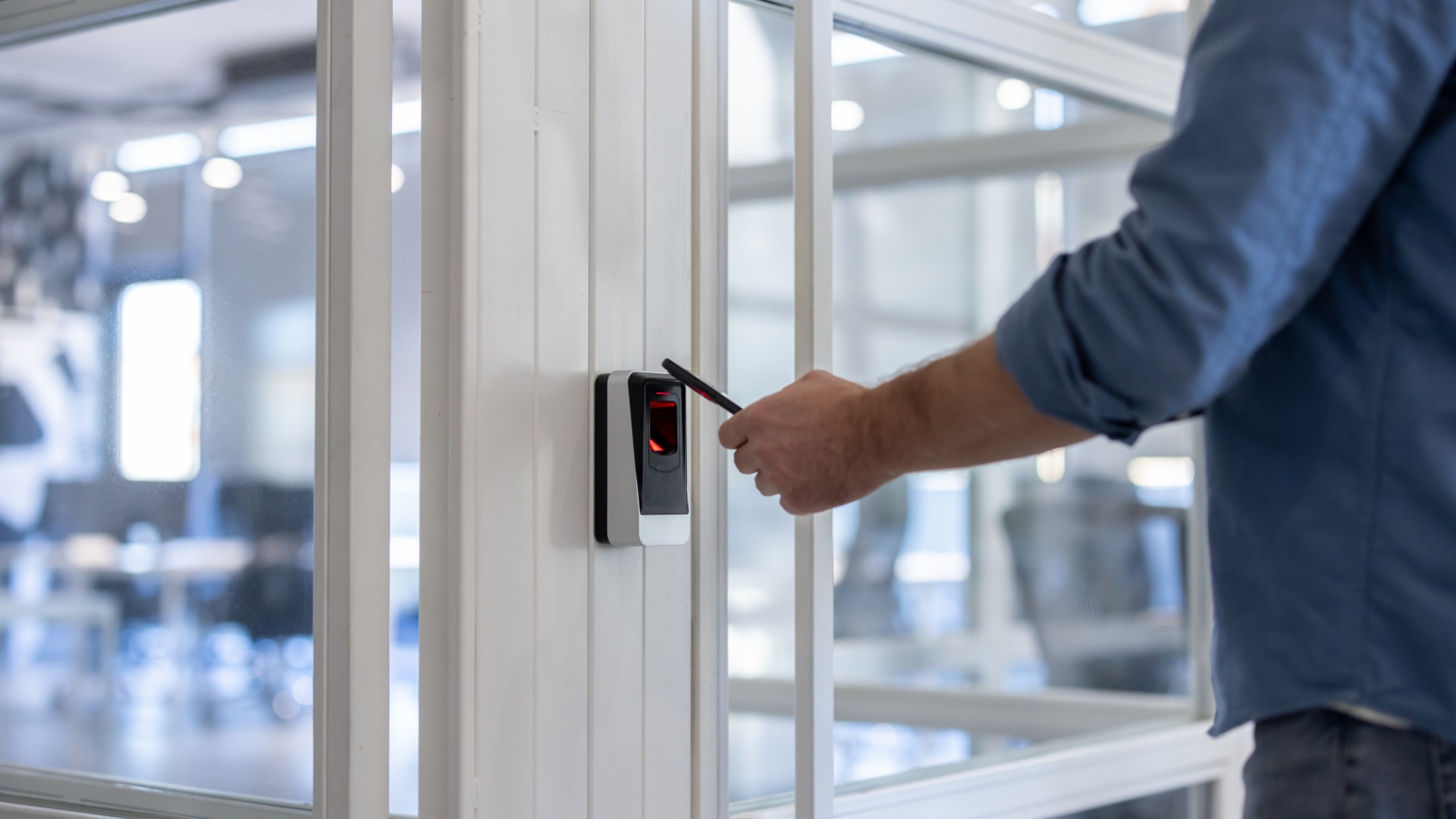
Keys, codes, and badges deserve more attention than they usually get. Offices should know who has access to the building, storage rooms, file cabinets, server closets, and cash drawers. When an employee leaves, a manager should collect keys, change shared codes, and remove digital access right away.
A good access system also respects the realities of a local office. Managers don’t want to slow down or hinder their employees from doing their work, but they must ensure that the right people can reach the right spaces, while everyone else stays within the public, accessible zone.
Organize and Dispose of Paper Records Properly
Paper still has a way of hanging around. It lands on desks, waits in printer trays, rides along in meeting folders, and hides in boxes with “miscellaneous” labels. Even offices that run mostly online still handle checks, insurance forms, employee paperwork, customer addresses, contracts, and notes that should not end up in the regular trash.
That’s why paper organization and disposal are security essentials that every office needs. Businesses that maintain consumer information for business purposes must keep sensitive files under secure access and, when removing or destroying such files, dispose of them properly with reasonable measures. Shredding, burning, or pulverizing paper records is crucial to keeping valuable and sensitive information from being read or reconstructed.
Invest in High-Security Shredders
A locked shred bin helps, but some offices benefit from shredding sensitive documents before they leave the work area. That is where high-security shredders earn their keep. They can reduce paper records into smaller particles than basic strip-cut machines, which matters when documents include financial details, medical information, signatures, personnel records, or customer data.
A common myth about high-security shredders is that they’re only for government agencies and military organizations, but they’re useful for any business that handles sensitive data—from healthcare organizations to research facilities and financial institutions. The trick is to match the machine to the risk. A neighborhood office may not need the same equipment as a federal agency, but it should understand the difference between basic shredding and higher-security destruction.
Lock Down the Digital Side
A modern office can lose sensitive information without anyone touching a file cabinet. A bad password, a fake invoice email, a stolen laptop, or an unpatched computer can create headaches that reach far beyond the workday. Small businesses and local organizations must build a culture of cyber readiness, starting with leadership, staff awareness, system protection, and response planning.
This cyber training is especially important for small offices because cyber safety depends on habits. Staff should use strong passwords, turn on multifactor authentication, update devices, and pause before opening surprise attachments. A quick call to verify a strange payment request can save far more trouble than a frantic clean-up later.
Backups Deserve Their Own Spotlight
Every office should know where its files live and how it would recover them after a computer failure, ransomware attack, flood, fire, or accidental deletion. Backups should include the systems that keep the office moving, such as accounting files, customer records, schedules, policies, and shared documents.
The National Institute of Standards and Technology maintains a Small Business Cybersecurity Corner with resources for small businesses, which makes it a useful starting point for offices that want practical guidance rather than jargon. A backup plan works best when someone tests it, documents it, and knows who handles recovery when the pressure hits.
Give Employees Clear Safety Rules and Procedures
Security equipment helps, but people make the plan work. Employees should know how to report a concern, where emergency exits are, what to do during severe weather, how to respond to a medical emergency, and how to handle a visitor who refuses to follow office rules.
This matters in every community, including smaller towns where people may assume everyone knows everyone. Familiarity can build trust, but it can also make staff hesitate when something feels wrong. A clear safety playbook gives employees permission to act early, ask for help, and protect themselves without feeling rude.
Practice Without Dramatics
Training does not need to turn into a full-day production. A short refresher during a staff meeting can cover door procedures, suspicious emails, document disposal, emergency contacts, and who makes decisions during an incident. New employees should receive the same guidance before they settle into daily routines.
Protect the Little Things That Cause Big Trouble
Some security problems start small: a password on a sticky note, a check left on a desk, a file cabinet key in an unlocked drawer, a back door propped open during a delivery, or a laptop left in a vehicle overnight. None of these choices seems dramatic in the moment, but each one creates an avoidable opening.
A good office security routine covers these everyday details. Staff should clear desks at the end of the day, lock cabinets, secure laptops, collect printouts, and store mail away from public counters.
Build Security into the Closing Routine
The last person out should not need to guess. A closing checklist can cover locked doors, lights, alarms, windows, file storage, devices, and trash that contains sensitive material. Offices that handle cash, prescriptions, keys, or client records should add those items to the routine.
A Safe Office is Still Inviting
The best security plan does not announce itself with suspicion. It quietly helps employees focus, visitors feel guided, and business owners sleep better. A secure office can still greet people warmly, answer questions kindly, and keep the small-town friendliness that matters across Wyoming and western South Dakota.
For local businesses, clinics, agencies, and professional offices, the smartest approach starts with the basics: control access, protect paper records, secure digital systems, train employees, and clean up everyday weak spots. When office security becomes routine, the whole workplace becomes harder to disrupt and easier to trust.